
If the picture stutters
The game starts on Maximum graphics on every device. Open Settings, then Graphics, and try Balanced, Saver or Smoothest. Setting the frame rate to 30 saves battery on phones.
The game runs on this page. Press start, wait for the first load and the tutorial track begins with a hint for every new move.
| Action | Phone | Computer |
|---|---|---|
| Steer | Drag a finger left or right anywhere | A / D or ← / →, or drag with the left mouse button |
| Jump | Quick flick upward | Space, W or ↑ |
| Pause | Pause button | Esc or P |
| Retry | Retry on the result screen | R |
The game starts on Maximum graphics on every device. Open Settings, then Graphics, and try Balanced, Saver or Smoothest. Setting the frame rate to 30 saves battery on phones.

Progress is kept in this browser on this device. Clearing site data wipes it, so use “Save progress to a file” in the settings now and then. The file can be loaded on another computer.
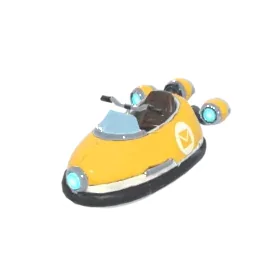
The Skin button in the menu opens a window with your personal gift code. Enter it in the Android app and the Mail Skiff gets the Golden Postman paint. The same window can create a transfer code that moves all your progress into the app.